Survey and as-built teams
Capture the building in 360 alongside the drawings, model or measured data, so every figure has visual context at the right place on the plan.
As-built questions answered from the plan instead of booking a return visit.
We've been completing condition surveys for many years, our drive to seek specific software solution came from a desire to reduce the office component. What we found in pin360 was a solution that vastly reduced that office time close to nil. However, the other benefits within the software solution, such as the iPad app, Insta360 integration and PDF revision updates, meant we could provide a much more elevated final product to our client that gave them improved insights on their projects.

pin360 ties every photo, 360° and finding to the drawing, so people who were not on site can still act on it.
Before
After
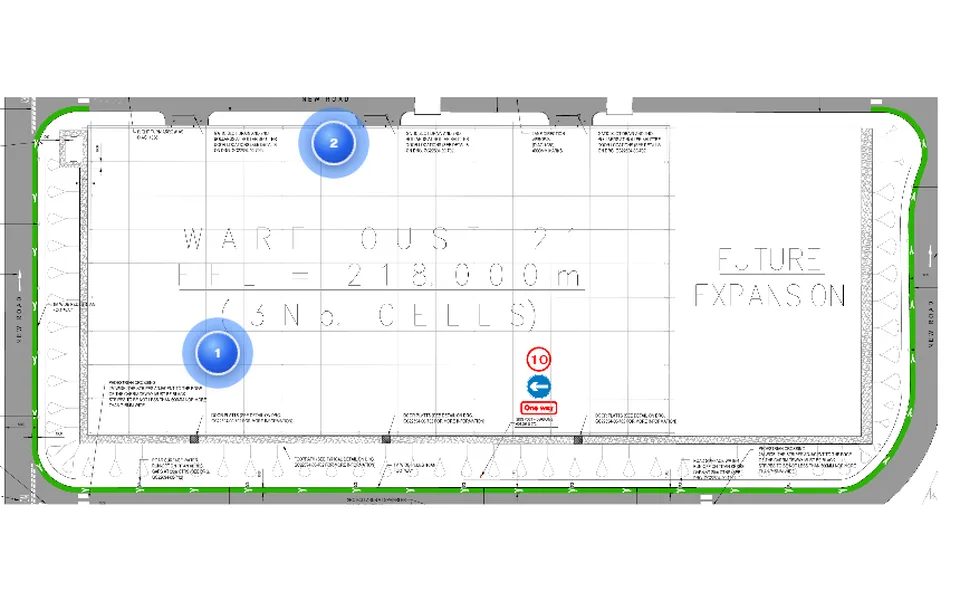
01
Start from the PDF floor plan or site map you already use.
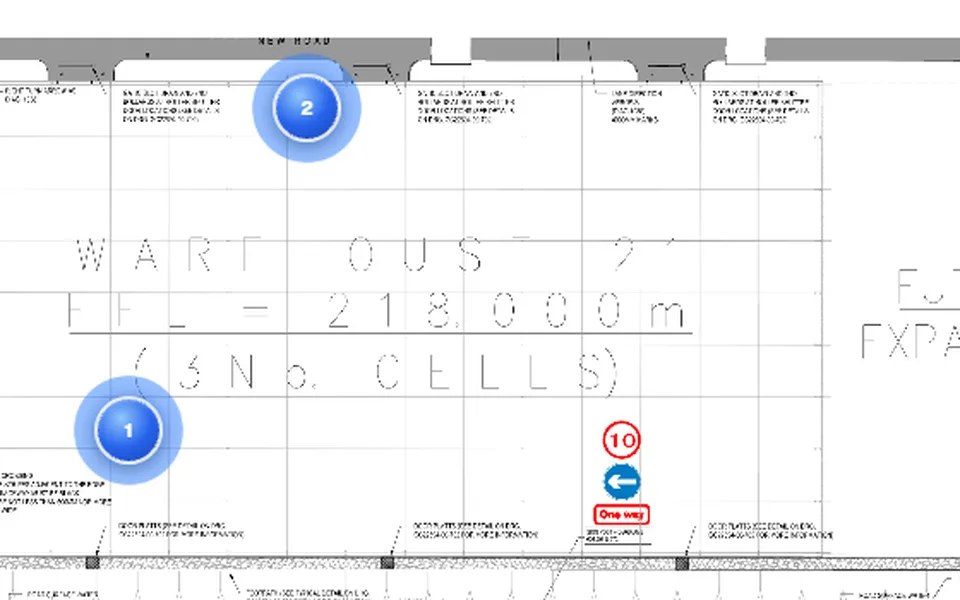
02
Drop 360s, photos and findings where they were taken.
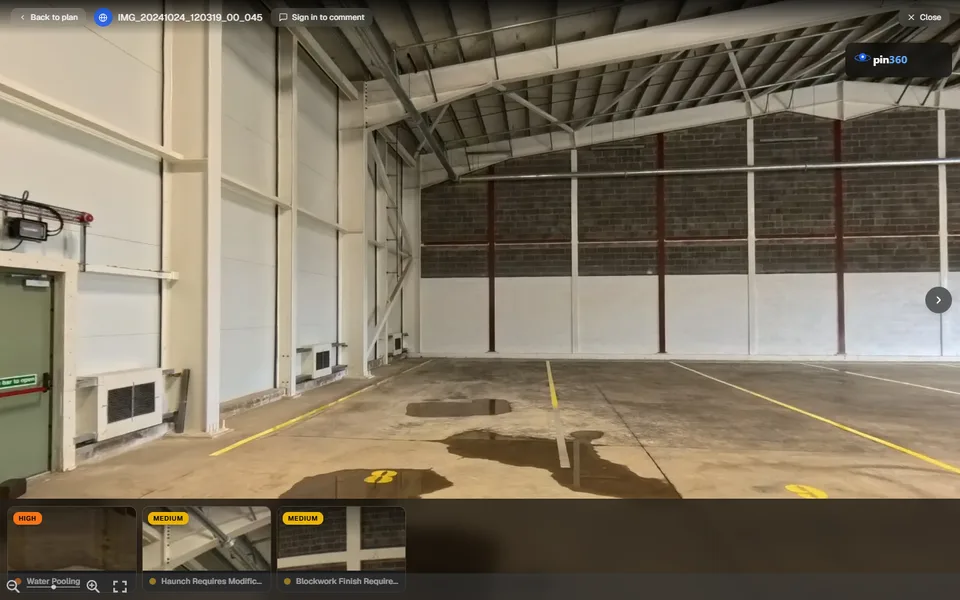
03
Click a pin to stand in the space, with findings and severity beside it.
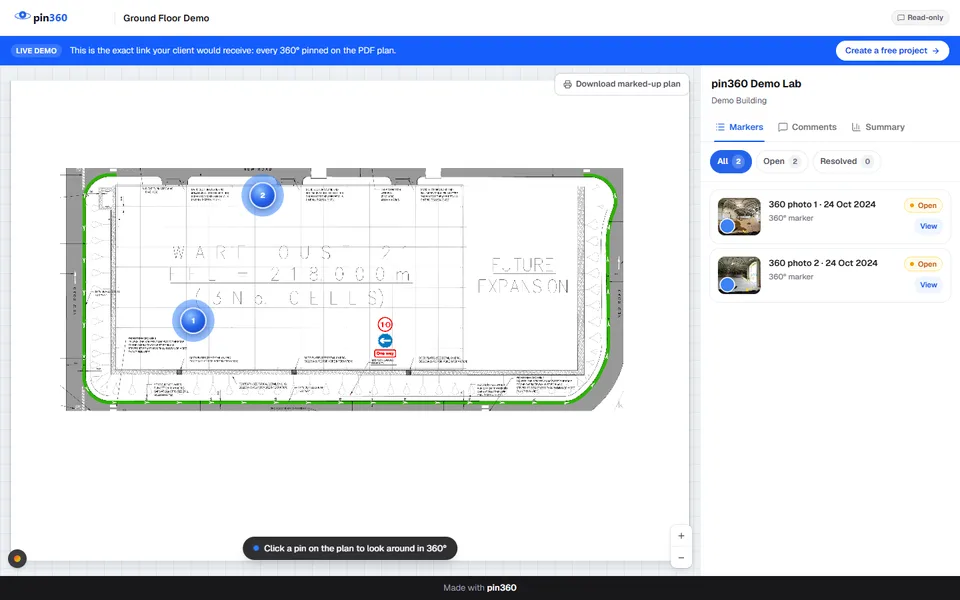
04
The client opens the read-only record in a browser. No account, no install.
Capture the building in 360 alongside the drawings, model or measured data, so every figure has visual context at the right place on the plan.
Record legacy furniture, fittings and equipment room by room for a relocation or an estate-wide audit, pinned where each item stands.
Photograph the condition of a site before and after works, with the whole 360 set pinned to the plan and findings attached where they matter.
Send one link. The client or a colleague opens the plan, clicks a capture point and looks around, with no account and no install.
Capture ordinary photos in the pin360 app on iPhone or iPad. Keep close-up details and the wider view organized with the job.
Take ordinary phone photos, or connect an Insta360 X4 or X5 for 360° capture.
Choose a location on your PDF floor plan so the photo stays tied to where it was taken.
Keep photos in the project’s media library when you don’t need a pin.
Photos taken inside pin360 aren’t automatically added to your personal Photos library. You can export them to Photos when you choose.
Open to paid plans on iPhone and iPad through TestFlight. Request your invitation in Settings. A 360° camera is optional.
Upload a scan as a gaussian splat or a point cloud (E57, PTS, LAZ, PLY). Switch between the photoreal view and the raw LiDAR points, then measure and pin findings in the browser.
Walk a 3D exampleOverlay Revit and Civil 3D models on the scan and switch between Existing, Demolition and Proposed.
See featuresNo per-space fees. No reactivation charges. Archive free, forever.
Approximate display price. Stripe shows the final local price at checkout.
Document a real site visit — no card required
forever
For sole traders sharing 360° site records
$466/year
charged today
For consultancies managing branded 360° site records
$756/year
charged today
For multi-site practices with larger site portfolios
$2,557/year
charged today
For estates and operators who need SSO and custom capacity
$16,064/year · annual subscription only
3D captures, gaussian splats, panoramas, and PDFs are counted purely by source-media storage. All source media counts towards your storage allowance.
Matterport is excellent at immersive tours. Most engineering and FM teams still lose the argument when a client asks “where on the drawing is this?” or “show me severity and history for that asset.” pin360 starts from your PDF plans and the 360s pinned on them, then adds a walkable 3D site record when you need it — same markers, same share link, public pricing, and no Matterport Pro camera or closed hosting. Many teams keep Matterport for sales or landmark marketing captures; they switch everyday surveys, dilapidations, snagging, and plant-room records to pin360 because that is the job Matterport was never built for.
Start with one plan and a few pins — not another folder of unused scans. If you are moving a team or live project, use the guided route as a secondary path.
Upload a real PDF plan, pin your first photos or findings, and share the record with no credit card required.
Start documenting a siteWant help moving a live job onto pin360? Talk through the workflow first.
Book guided demo